How to use Bowmoji
This page explains how Bowmoji works: pick a set, tap it to copy, and paste it into a name, bio or message. A set shows as boxes on your phone? Report it on the contact page. The home page lists all the bow emoji sets.
Find a set
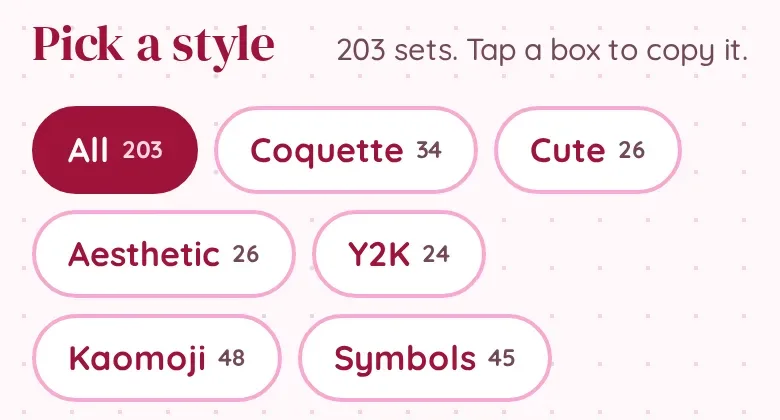
The home page has bow sets, and each box is one set you can copy whole. Use the Pick a style filters to narrow them by Coquette, Cute, Aesthetic, Y2K, Kaomoji or Symbols. Topic pages go deeper: coquette sets, cute symbols, hearts, flowers and more.
Each style holds sets like these, copied straight from the home page:
| Style | Example set |
|---|---|
| Coquette | 🎀🩷🎀 · 🩰🎀🤍 |
| Cute | 🐰🎀🌷 · 🧸🍯🎀 |
| Aesthetic | ☁️🌙⭐ · 🌷🧺🍯 |
| Y2K | 🦋💿💖 · 🍒💋💿 |
| Symbols | ₊˚⊹♡ · ⋆。°✩ |
| Kaomoji | ( ˘͈ ᵕ ˘͈♡) · (。ᵕ ◞ _◟) |
Tap to copy
Tapping a box copies the whole set at once, and the word copied appears on the box. The table lists each action and what happens next.
| Action | Result |
|---|---|
| Tap a set | The whole set, such as 🎀🩷🎀, is copied and the box shows copied |
| Paste in an app | The set (for example ୨ৎ ⭒) appears in a bio, caption, display name, note or comment |
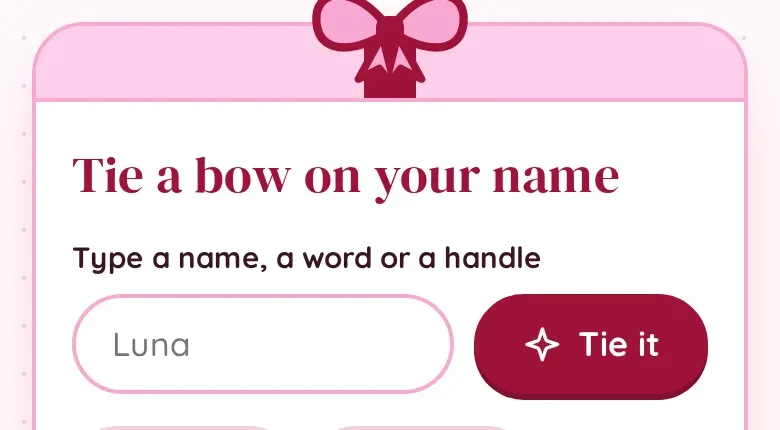
| Type a name and tap Tie it | Bow styles built around your name, ready to tap and copy |
| A set shows as boxes | The phone has no font for that symbol; pick another set |
Getting the bow emoji
Copy 🎀 from any bow set, or search ribbon in your phone’s emoji keyboard. The bow emoji is Unicode U+1F380, and each phone draws it in its own style, so it can look a little different on an iPhone, an Android phone or a friend’s device.
You do not need an account to copy a set. Names and code points on the site come from the Unicode charts; check how a set looks on your device before you post it.
Last updated: 12 November 2026.